


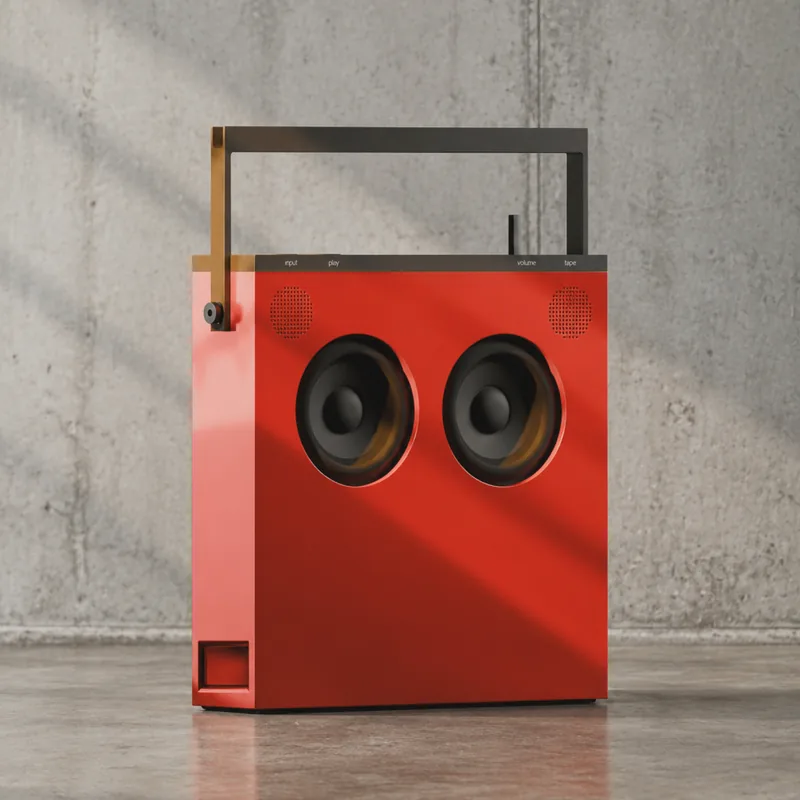
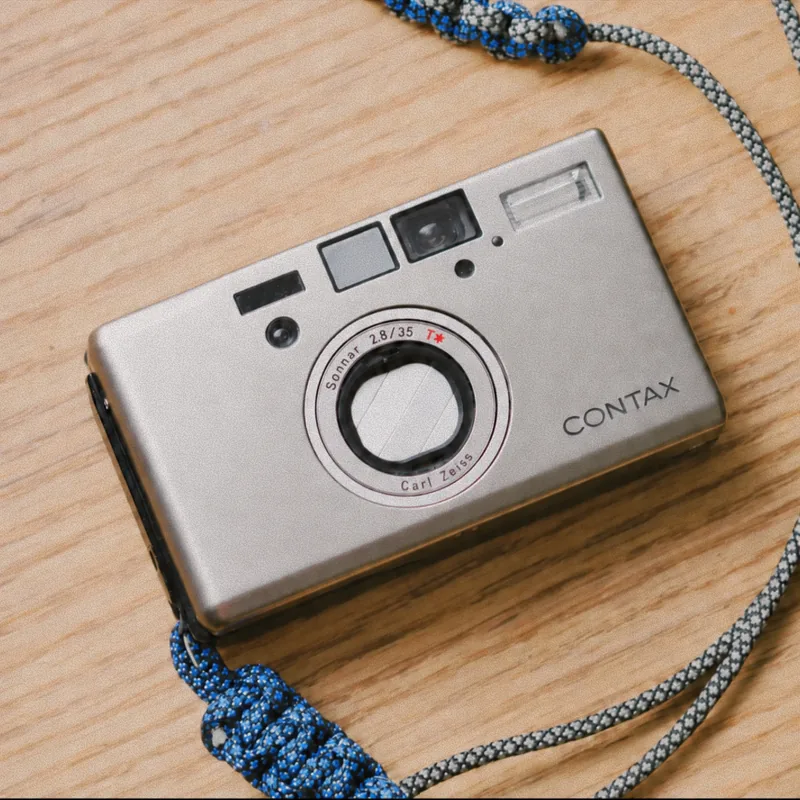

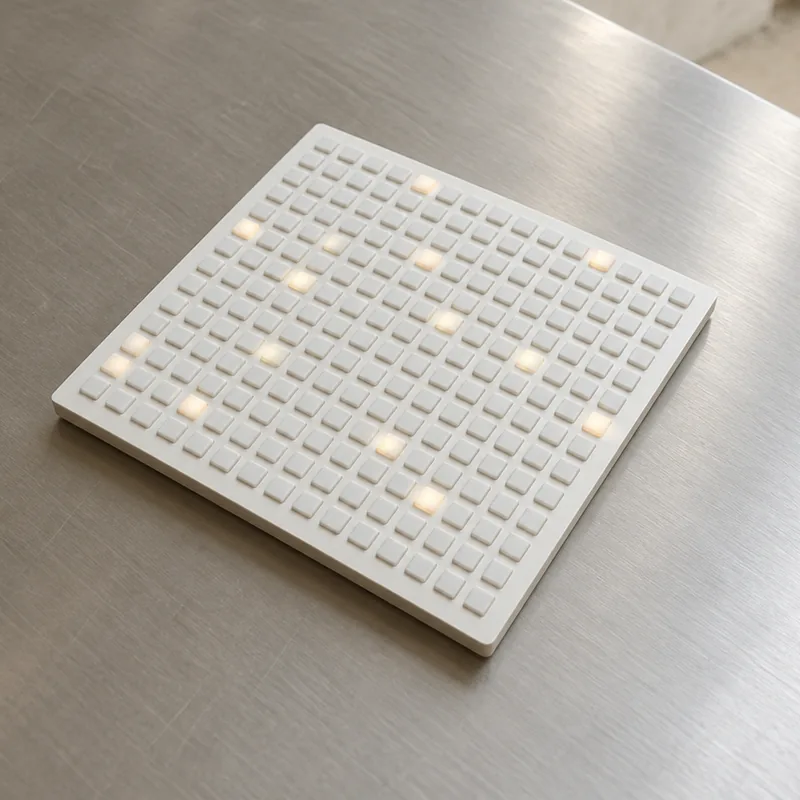

Design & build in one tool.
Subframe is a design tool for your codebase, and a coding agent with a canvas.

 Works with Claude Code & Codex.
Canvas.Browser.Agent.
Three tools you use to make software, now in one place. Built for those who design & ship with craft.
Download for macOSDownload for WindowsDesign canvas
Infinite canvas built for code.
Everything you want in a design tool: drag & drop, layers, inspector. The difference is the canvas is based on HTML & React, so you can implement it exactly as designed.
Explore freely. The canvas holds every idea, exploration, and state before you build. Option + drag and iterate until it feels right.
Collaborate with your team & agents. Share a link. Comment in a thread. Review together, then turn feedback into changes with your agent.
Full design control. Insert, drag, duplicate, or edit inline with layers and properties.
1:1 with code. Every layer maps to code elements for responsive flex behavior.
Components. Props, slots, and variants – synced with the design system in your codebase.
Multiplayer & comments. Share and collaborate on canvas with your team or agent.
Themes & design tokens. Manage colors, text and other tokens across light & dark modes.
Prompt inline. Ask for designs or automate repetitive tasks without leaving the canvas.



Built-in browser
Preview & edit your live app.


Open localhost or any website in built-in browser tabs. Iterate live with visual edits or bring existing screens to the canvas to design further. It’s a browser, for building.
Capture to canvas. Select an element in the browser, then copy & paste to the canvas as editable designs.
Inspect & edit live. Tweak in browser with design controls for every token, component, and classname.
Prompt with precision. Comment directly on elements in the browser for targeted edits for the agent.
Coding agent
One agent for design & code.
Work with Claude Code and Codex directly in Subframe. We give it a harness to code, design, and interact with the browser so you can ship ideas faster, with higher fidelity.
Builds in your codebase. Implement directly in your repo, while referencing your exact designs.
Designs on your canvas. Kick off explorations or document your UI on the canvas with full code context.
The agent that sees what you see.
Your selection. Inspect in browser or paste designs in chat.
Your designs. Every design on the canvas can be referenced directly.
Your browser. Agent screenshots and reads the underlying code.
Your codebase. Components, tokens, and code are the source of truth.
Your agent, in Subframe.


Connect Claude Code and Codex directly in Subframe using your own subscription.
- Claude CodeFable 5.1Opus 5.5Opus 4.6Sonnet 5.5Haiku 5.5
- CodexGPT-6.1 SolGPT-6 AstraGPT-6 SolGPT-6 LunaGPT-5.6 Terra
Or use the Subframe MCP to bring design context to your external agents.
Designing & building is a roundtrip.
- Connect.Open codebase.Preview existing app.Plan with the agent.
- Explore.Design from scratch.Capture from browser.Generate new flows.
- Build.Paste any design.Inspect and tweak.Implement in code.
- Ship.Manage git branches.Share prototypes.Make pull requests.
Made for builders like you.
“I don’t have to jump between 6 different apps to make the thing that I have in my head real.”
“I have control over the source of truth. That’s mindblowing.”
“The first real Cursor for designers.”
“You guys are the only ones that actually fixed the designer development gap.”
“It’s solving for problems I hadn’t really thought of yet... in a good way.”
Pricing
Free
$0/ month
- One project
- Unlimited viewers & editors
- Use your Claude / Codex subscription
- Limited AI credits
Pro
$20/ editor / month
- Unlimited projects
- Unlimited viewers & editors
- Use your Claude / Codex subscription
- 6x AI credits
- Multiple themes per project
AI credits are consumed only in the web version or when used instead of your Claude / Codex subscription.
Learn more about AI creditsFAQ.
What is Subframe?
A desktop app that combines three things in one tool: a design canvas, a coding agent, and a built-in browser. You design and ship from the same place, in your codebase.
What can I build with Subframe?
Web apps, websites, landing pages, portfolio sites, internal tools, production codebases – basically any web-based project. We even use Subframe to build Subframe.
Does Subframe replace Figma / my design tool?
Yes – Subframe is a full featured design tool purpose-built for interface design.
Does it replace Cursor or coding agent desktop apps?
For most people, yes. You work directly with your coding agent in Subframe, with full access to your code and designs. No need to switch to a different tool to implement.
Which coding agents are supported in Subframe?
You can use your existing Claude Code or Codex subscription as the internal agent in Subframe. Or connect with other external agents like Cursor or Gemini via MCP.
Does my code leave my machine?
No – your codebase stays on your machine. Subframe reads and writes local files, same as the coding agent you use today.
Your design canvas lives in the cloud, accessible from both web and desktop.
Can I use my existing components and design system?
Yes – everything you build uses the design system in your codebase. You can also import components & design tokens directly from code when designing.
Does it work with my stack?
The browser and canvas work with anything that renders on the web, but Subframe works best when used with React.
Design & build in Subframe.
Canvas. Browser. Agent.